
Tabnxt vs OneTab
why the classic tab saver is losing ground to AI-driven alternatives in 2026
For over a decade, OneTab has been the default recommendation for users looking to reduce browser clutter. Its pitch is simple: click one button, collapse all your open tabs into a flat list, and reduce memory usage by up to 95%. But as the web evolved, OneTab stood still. The extension hasn't received a major feature update in years, and its legacy codebase struggles with Chrome's modern security requirements. This lack of features leads users to search for more capable best OneTab alternatives that offer secure, automated cloud saving.
Today, users are looking for more than a simple link-dumper. They need search, organization, crash recovery, and automation. In this detailed comparison, we look at how the newcomer Tabnxt stacks up against the classic OneTab. If you are experiencing major performance issues, knowing how to reduce Chrome RAM through active tab suspension rather than simply dumping links is a massive workflow upgrade.
“OneTab is like a box in your garage where you throw everything to clean the room. Tabnxt is a smart archiving system that sorts, monitors, and recovers your files automatically.”
Feature Comparison Matrix
| Feature | Tabnxt | OneTab |
|---|---|---|
| Tab Suspension (Unload RAM) | ✓ Yes | ✓ Yes |
| Workspaces / Categorized Spaces | ✓ Yes | ✗ No (Flat list only) |
| AI-Powered Auto Grouping | ✓ Yes | ✗ No |
| Auto-Save & Crash Protection | ✓ Yes | ✗ No (Risk of data loss) |
| Real-time RAM Dashboard | ✓ Yes | ✗ No |
| Tab Snoozing (Auto-return) | ✓ Yes | ✗ No |
| Cloud Synchronization | ✓ Yes | ✗ No (Local storage only) |
| Manifest V3 Compliance | ✓ Yes (Built native) | ✗ Legacy Manifest V2 wrapper |
Key Differences Analyzed
1. Risk of Data Loss vs. Secure Auto-Saving
The single biggest complaint about OneTab is its fragility. Because OneTab stores all your tabs inside a single local storage file, if you clear your browser cache, or if the extension crashes during a database update, you can lose years of saved tabs instantly. There is no automated backup or cloud recovery. This is a common bug reported by users looking to fix OneTab bugs. Tabnxt solves this by maintaining secure, incremental local backups and offering Pro users instant cloud sync to prevent data loss. This acts as a true tool to save browser sessions with complete security.
2. Flat List vs. Structured Workspaces
When you collapse tabs in OneTab, they are dumped into a single, chronological list. If you collapse tabs 5 times a day, you quickly end up with an unmanageable wall of text. Tabnxt organizes your browser sessions into custom "Spaces" (e.g., "Work", "Vacation Research", "Finance"). You can save tabs to specific spaces, search them in seconds, and switch contexts with ease. It is the best free OneTab alternative because it doesn't limit your local workspaces.
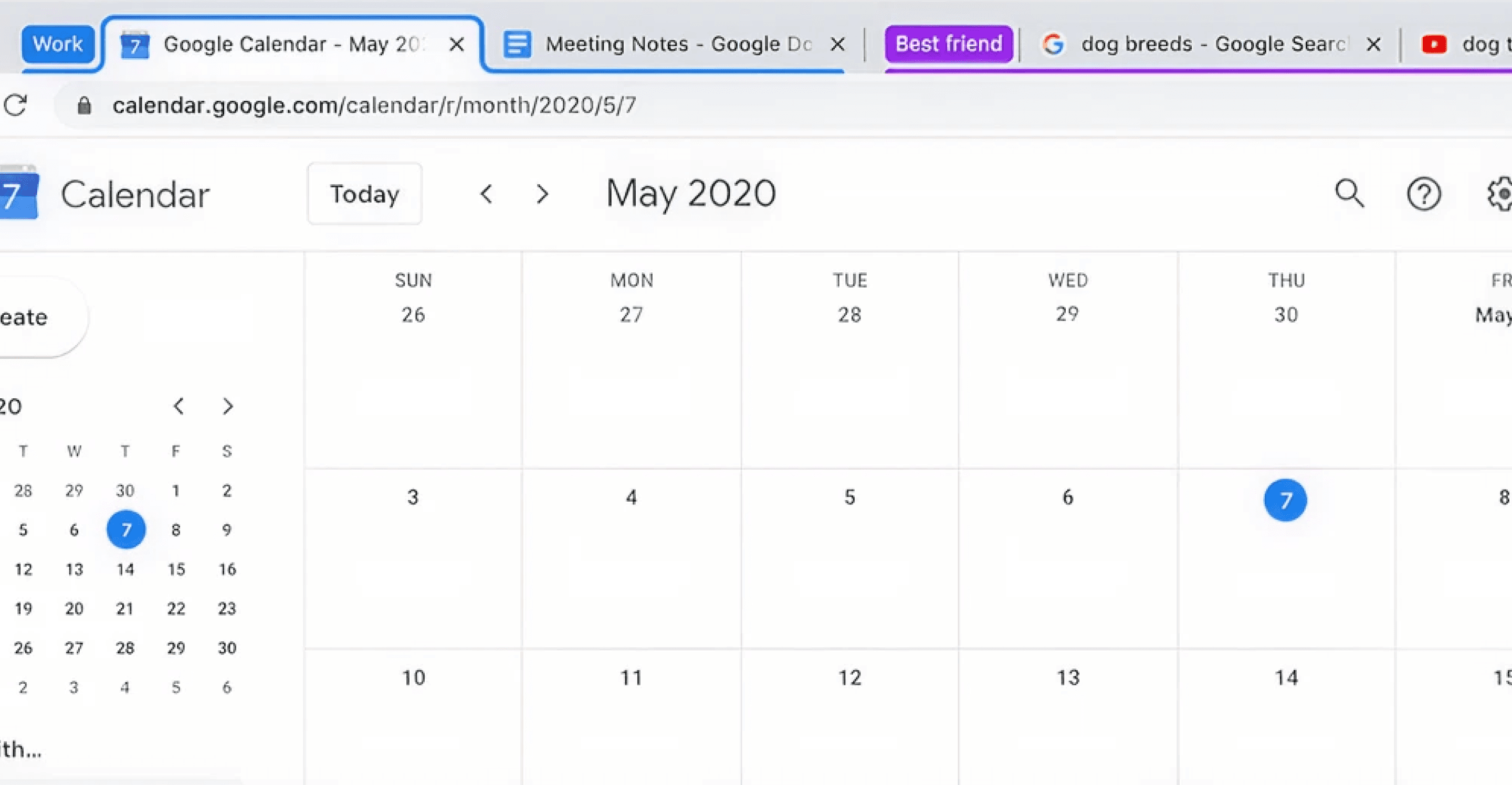
Tabnxt's visual interface allows you to view, search, and manage your spaces and RAM metrics easily.
3. Tab Snoozing & AI Smart features
OneTab is a static tool. Tabnxt is dynamic. With Tabnxt, you can snooze Chrome tabs so they reappear next Monday morning, or press ⌘ + 9G to let AI automatically sort your chaotic tabs into neat, labeled groups. OneTab lacks any form of automation or intelligence. Our chrome tab saver comparison shows that adding automation cuts workspace management time by 90%.
Conclusion: The Verdict
If you only need to dump a window of tabs once a month and don't care if you lose them, OneTab is a simple, lightweight utility. However, for power users who rely on their tabs for research, workspace management, and active work, Tabnxt is the clear winner. It offers modern features, secure backups, and an elegant interface at a completely free entry tier.