
Tabnxt vs Toby
should your tab manager hijack your new tab page or remain a quiet assistant?
For years, Toby has stood out in the crowded space of Chrome productivity extensions. Its visual layout takes over your browser's "New Tab" page, displaying card-based boards where you can drag and drop active tabs to organize your work. For visual people, this is a clean approach. However, forcing users to open a new tab simply to manage their workspace can interrupt focus, and Toby's start-up performance has suffered over time as web security standards have evolved. Many seek to find Toby alternatives that don't take over their home page settings.
Tabnxt offers a different philosophy: a lightweight sidebar and popup manager that operates overlay-style on top of any active web page, keeping your native new tab page clean and your workflow continuous. Let's compare Toby and Tabnxt to see which matches your style. By choosing a better than toby chrome extension, you maintain your default search bar while keeping tabs organised in a floating drawer. This is key when trying to resolve too many tabs Chrome fix issues.
“Toby makes your browser's startup page a bookmark dashboard. Tabnxt keeps your bookmarks and active spaces in a floating drawer, accessible on any page with a simple keyboard shortcut.”
Feature Comparison Matrix
| Feature | Tabnxt | Toby |
|---|---|---|
| Workspace organization | ✓ Yes | ✓ Yes |
| New Tab Hijacking | ✗ No (Keeps default Chrome search) | ✓ Yes (Forced override) |
| Access Method | ✓ Sidebar Overlay & Popup | ✗ New Tab Page only |
| Tab Snoozing | ✓ Yes | ✗ No |
| Memory Dashboard / Suspend | ✓ Yes | ✗ No |
| AI Tab Categorization | ✓ Yes | ✗ No |
| Cloud Synchronization | ✓ Yes (Pro) | ✓ Yes |
Key Differences Analyzed
1. Interface Location: Sidebar Overlay vs. New Tab takeover
Toby works by overriding your Chrome "New Tab" page. While this provides a wide visual board, it means that every time you want to save a tab, search your history, or switch spaces, you have to leave your active page, press Ctrl + T, and execute the action. Tabnxt uses a modern Sidebar drawer that slide-in from the side when you hover over the screen edge or press ⌘ + 9S, allowing you to manage tabs while keeping your active document open. This sidebar helps you save browser sessions without disrupting your active writing or research.
2. Startup Lag & Resource Usage
Because Toby must load a complex visual grid of cards, icons, and categories every single time you open a new tab, it can delay page loads by several hundred milliseconds on older devices. In contrast, Tabnxt is built on Manifest V3 standards using a background worker that loads asynchronously. It only renders when you actively summon the sidebar, keeping your browser startup performance quick, which helps to reduce Chrome RAM dynamically.
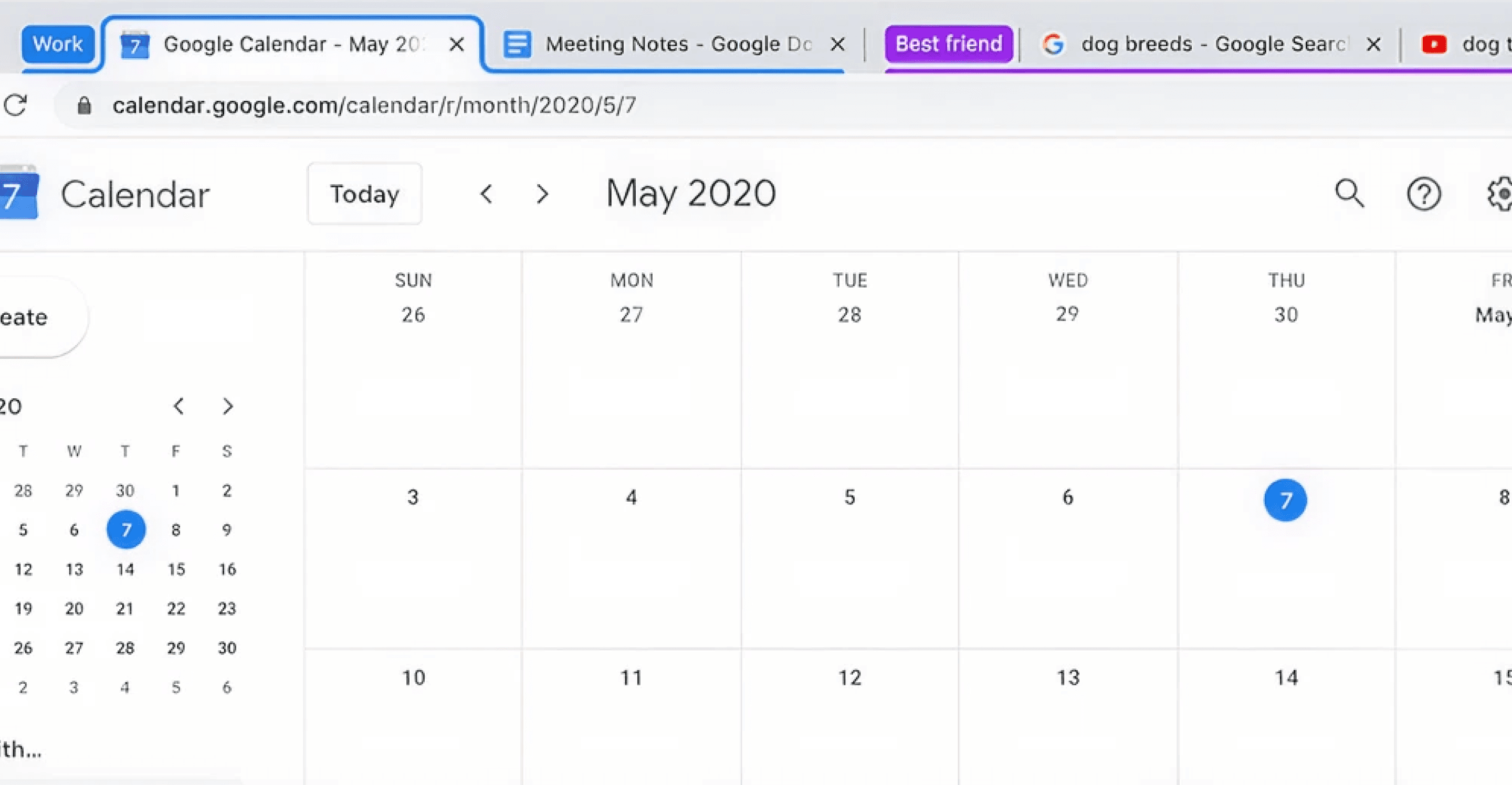
Tabnxt's visual management interface does not override your browser defaults and can be toggled on demand.
3. Advanced Automation: Snoozing & AI Grouping
Toby requires you to manually drag and drop tabs onto your boards. It acts as a visual bookmarking manager. Tabnxt adds smart automation: it monitors system RAM usage, automatically suspends inactive spaces, lets you snooze Chrome tabs, and uses AI to organize a cluttered tab bar in 3 seconds flat. It functions as a complete new tab manager that puts user performance first.
Conclusion: The Verdict
If you prefer a large, visual start-page layout and don't mind the startup overhead, Toby remains a beautiful option. However, for professionals seeking an unobtrusive, lightning-fast workspace manager that operates in a sidebar drawer and includes advanced automation like memory suspension and AI grouping, Tabnxt is the modern choice. Reclaim your browser's speed and maintain your focus.